
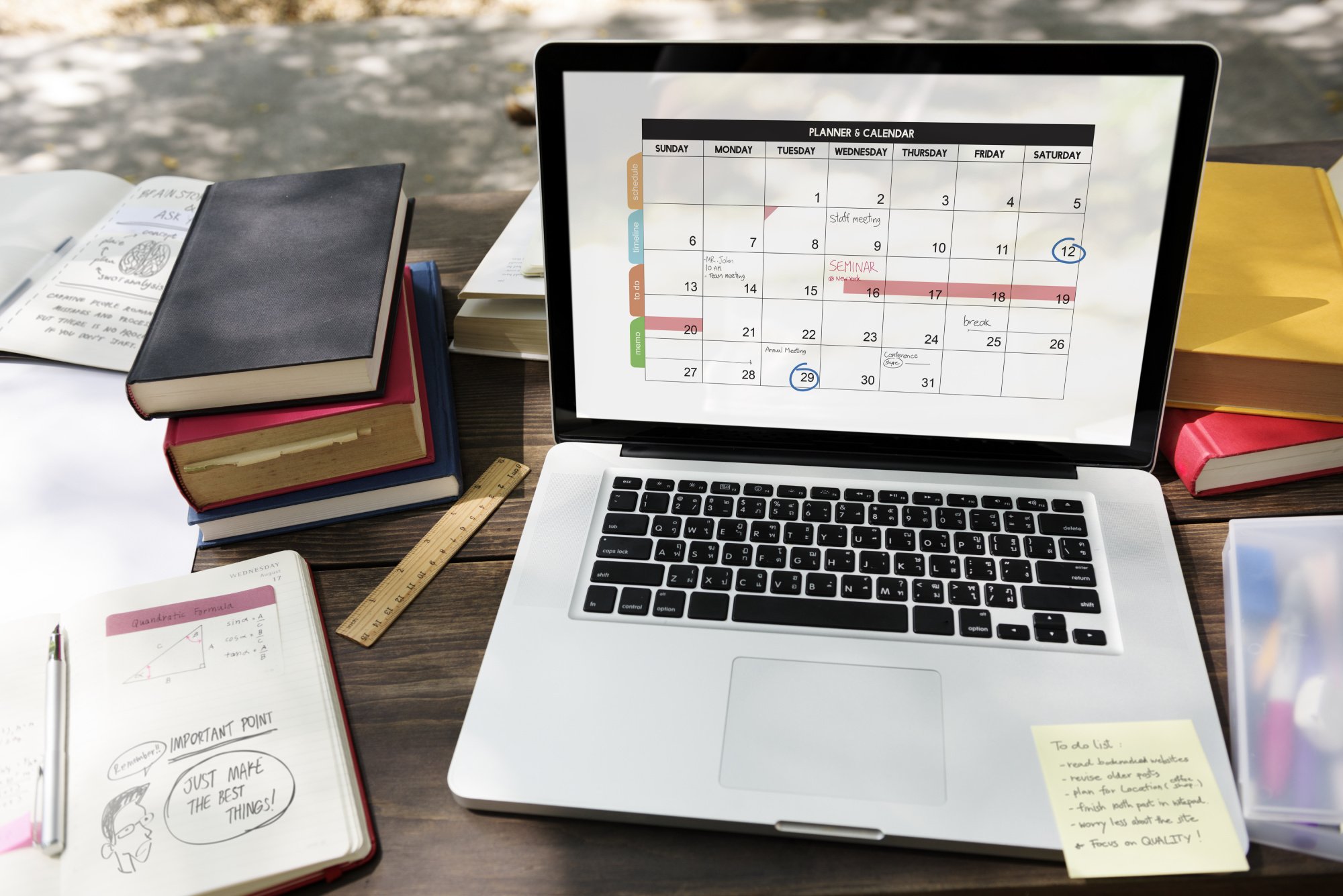
Small and medium-sized businesses (SMBs) used to rely on phone calls, emails, or walk-ins to book appointments. Those methods worked—until they didn’t. Today, customers expect instant, effortless booking on their schedule. That’s where free scheduling tools come in. By removing friction, automating follow-ups, and freeing up staff time, these tools are helping SMBs grow faster without increasing overhead.
Below is a practical look at why free scheduling matters, how it drives growth, and how SMBs can get the most out of these tools.
Why scheduling matters for growth
Booking is where marketing and operations meet. Your ads, social posts, and word-of-mouth all funnel prospects to a single moment: scheduling. If that moment is slow, unclear, or inconvenient, conversion drops. A smooth scheduling experience does three critical things for SMBs:
- Captures interest at its peak. People decide quickly—give them a way to act immediately.
- Reduces no-shows and friction. Automated reminders and clear options lower cancellations and confusion.
- Frees staff to do higher-value work. When booking is automated, your team can focus on service and sales instead of calendars.
Free scheduling tools remove barriers to these outcomes, making it feasible for even lean teams to act like sophisticated operations.
What free scheduling tools actually do (the value)
Free scheduling tools often include a handful of features that punch far above their price point:
- 24/7 booking — customers can book outside business hours, increasing capture from after-hours browsing.
- Automated confirmations & reminders — cut down on missed appointments and last-minute churn.
- Simple booking pages — a single link on social, email, or your website turns browsers into booked customers.
- Calendar sync — avoids double-booking and keeps your team aligned.
- Basic intake forms — collect key info up front so every appointment is prepared for.
- Payment/light monetization — some free tiers let you collect deposits or pre-payments (check tool limits).
- Integrations — connect with email, CRM, or messaging tools to keep follow-ups seamless.
For SMBs, these capabilities translate into reliable lead capture, less administrative overhead, and a more professional customer experience.
Real, everyday growth mechanisms
Here’s how free scheduling tools directly move the needle for SMBs:
1. Increase in confirmed bookings
When prospects can book immediately (not wait for a callback), conversion improves. Booking links in social bios, email signatures, and ads capture intent in the moment.
2. Higher utilization of staff/time
Automated scheduling means your team spends fewer hours coordinating appointments. That time gets redirected to serving more customers or improving the product.
3. Lower no-shows and cancellations
Reminders and easy rescheduling reduce gaps in the calendar, improving revenue predictability and making each staff hour more valuable.
4. Better customer experience = more referrals
A smooth, modern booking flow feels professional. Satisfied customers become repeat customers—and they tell friends.
Quick implementation checklist for SMBs
You don’t need a lengthy rollout. Follow this step-by-step to deploy a scheduling tool fast:
- Pick a simple freemium scheduler. Choose one that syncs with your primary calendar (Google/Microsoft) and offers reminders.
- Create a clean booking page. Offer clearly named services, durations, and prices (if applicable). Keep options minimal to avoid choice paralysis.
- Add intake questions. Collect any essential info upfront (e.g., service type, number of attendees, basic contact details).
- Add the link everywhere. Website header, email signature, social profiles, Google Business listing, and ad landing pages.
- Set buffer and limits. Add prep/cleanup buffers and daily limits to avoid overbooking staff.
- Enable reminders. Use SMS and/or email reminders. If SMS costs extra, at least enable email.
- Track three KPIs. Bookings per week, no-show rate, and revenue per booked appointment. Measure before and after rollout.
- Iterate monthly. Adjust available slots, appointment lengths, and intake questions based on real usage.
Best practices that amplify impact
- Offer a few fixed-length options. Too many choices lower conversion.
- Make rescheduling painless. A one-click reschedule lowers cancellations and preserves revenue.
- Use pre-visit forms. Reduce appointment time and increase satisfaction by collecting basics in advance.
- Tie scheduling to marketing. Embed scheduling links in ads and CTAs so clicks become bookings.
- A/B test booking copy and placement. Small wording changes (“Book a free consult” vs “Schedule now”) can change conversion.
- Monitor staff feedback. The team on the ground will tell you if appointment types or timings need tweaks.
Top 5 Free Scheduling Tools for SMBs (Including iMeetify)
Here’s a breakdown of five of the best free scheduling tools out there, and where iMeetify fits in.
| Tool | Key Features (Free Plan) | Why SMBs Love It |
| iMeetify | – 1 booking page, unlimited appointments (imeetify.com) – Zoom integration (imeetify.com) – Customizable availability, Do-Not-Disturb mode, buffer times (imeetify.com) – Integrations with Google Calendar, HubSpot, Microsoft Teams, Zoom, etc. (imeetify.com) – Mobile app for on-the-go scheduling (imeetify.com) | Designed for simplicity and flexibility. It gives SMBs a powerful yet lightweight scheduling engine without making them pay to start. |
| Calendly | – 1 event type in free plan (Calendly.com) – Connects to 1 calendar (Calendly.com) – Custom booking page, embed options, video conferencing integrations (Zoom, Google Meet) (Calendly Help Center) – Mobile app & browser extension (Calendly.com) | Very mature and stable. Easy to set up and widely recognized. Excellent for one-on-one meetings or consultations. |
| Setmore | – 24/7 online booking page (setmore.com) – Unlimited appointments on free plan (setmore.com) – Email & SMS reminders (setmore.com) – Calendar sync, payment integration (Stripe, Square) (setmore.com) | Ideal for service-based businesses. Let’s SMBs accept payments, reduce no-shows, and offer a branded booking experience. |
| SimplyBook.me | – Free account (no credit card) (simplybook.me) – Branded booking website + widget for your site (simplybook.me) – Automated notifications (email, SMS, even WhatsApp) (simplybook.me) – Calendar sync, intake forms, payment options via Stripe/PayPal (simplybook.me) | Highly customizable — great if you want a more branded, polished booking site with strong customer communication. |
| Picktime | – Unlimited event types & appointments (free plan) (Zoho) – Booking page sharing, calendar availability settings (Zoho) | Very generous free plan. Good for small teams or service businesses that don’t need too much complexity but want flexibility. |
How iMeetify Stands Out
- While many free scheduling tools limit the number of appointments, iMeetify allows unlimited appointments even in its free “Starter” plan. (imeetify.com)
- Advanced scheduling controls: with DND (Do-Not-Disturb), break/buffer times, and approval-based flows, you can finely manage how and when clients can book.
- Flexible event-management: iMeetify supports not just individual appointments but also group events and workshops via its “Group Events” module.
- Integrations: It integrates with popular tools like Zoom, Google Calendar, HubSpot, Zapier, Microsoft Teams, etc. (imeetify.com)
- Mobile app: You can manage your bookings on the go through its mobile app.
Final thoughts — start small, measure fast
Free scheduling tools remove one of the biggest growth bottlenecks for SMBs: friction at the point of action. They’re low-cost, quick to implement, and pay dividends through better conversion, higher utilization, and improved customer experience.
Start with a single use case—one service or team member—measure the impact for 4–6 weeks, and expand from there. With modest setup and a data-informed approach, scheduling can move from an operational headache to a growth engine.
Ready to free up time and book more customers? Pick one scheduling page, add it to your most-visited channel (website or social), and track the results for a month—simple experiments win.
Read more blogs: How to build a High converting booking page